Repository indexing
Show a watched folder becoming project cards with generated thumbnails, media counts, dates, missing status, and map extent preview.

Product video library
This page is ready for short silent product films. Each clip should show one complete job being done in Sightlock, not a disconnected catalogue of panels.
Demo scenes
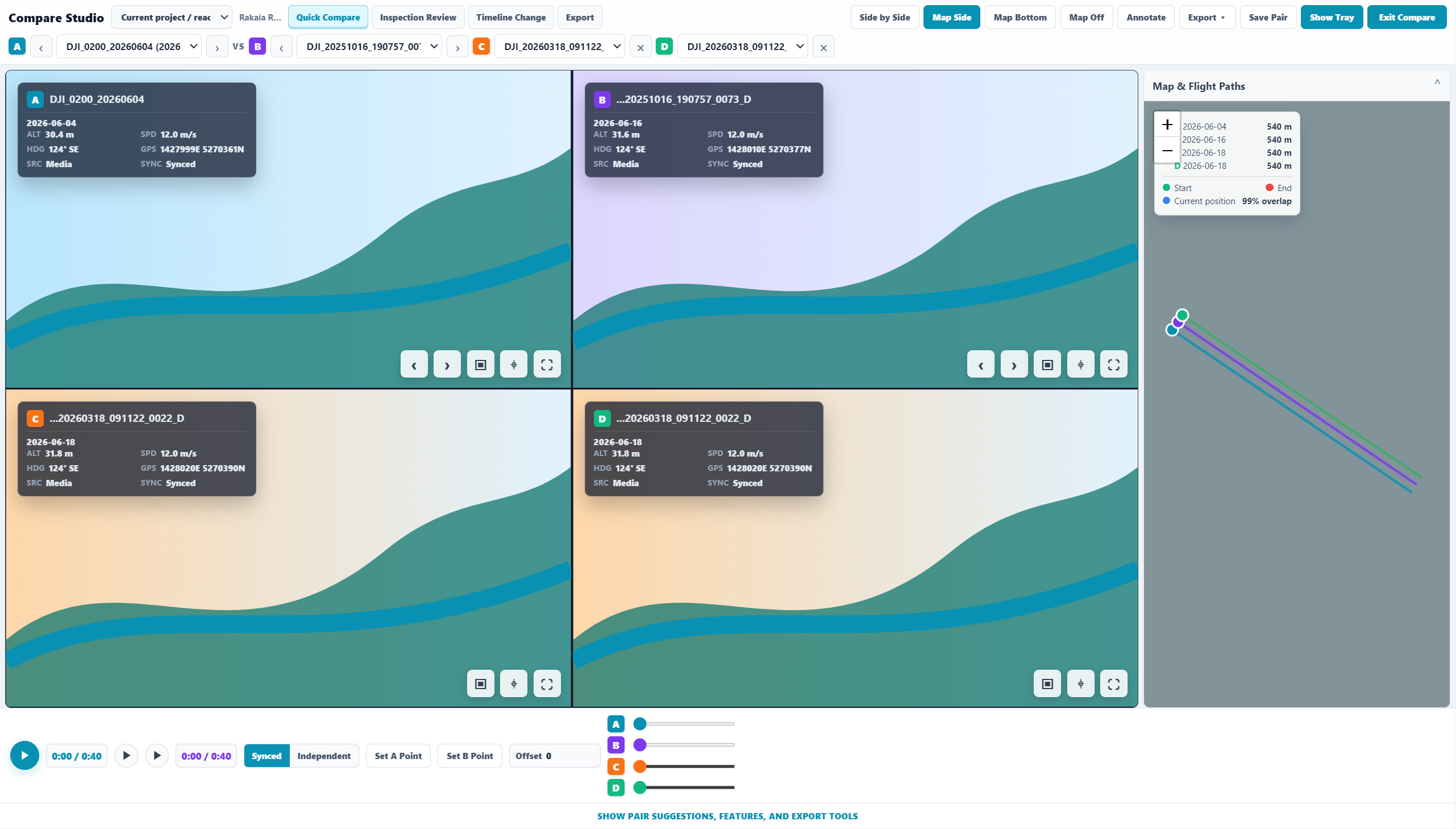
The product story should be quick: add media, visualise geometry, open the exact media from the map, compare repeat dates, control GIS context, and export evidence.
Workflow 01
Open with a real folder import, show Sightlock remembering geometry, pan to the inspection area, select the relevant flight paths, move into Compare Studio, line up repeat dates, then export the result.
Clip checklist
Show a watched folder becoming project cards with generated thumbnails, media counts, dates, missing status, and map extent preview.
Show the map filtering by project, a geometry being selected, and the exact media loading in Flight Viewer.
Show the current media entering Compare Studio as A while Sightlock suggests and loads the best path-similarity match as B.
Show the same reviewed frame becoming a clean screenshot, synced clip, CSV/features, or GIS export through one export workflow.
Launch access
Start with a no-card 30-day trial, then add billing later only if the mapped repository workflow is useful for your team.